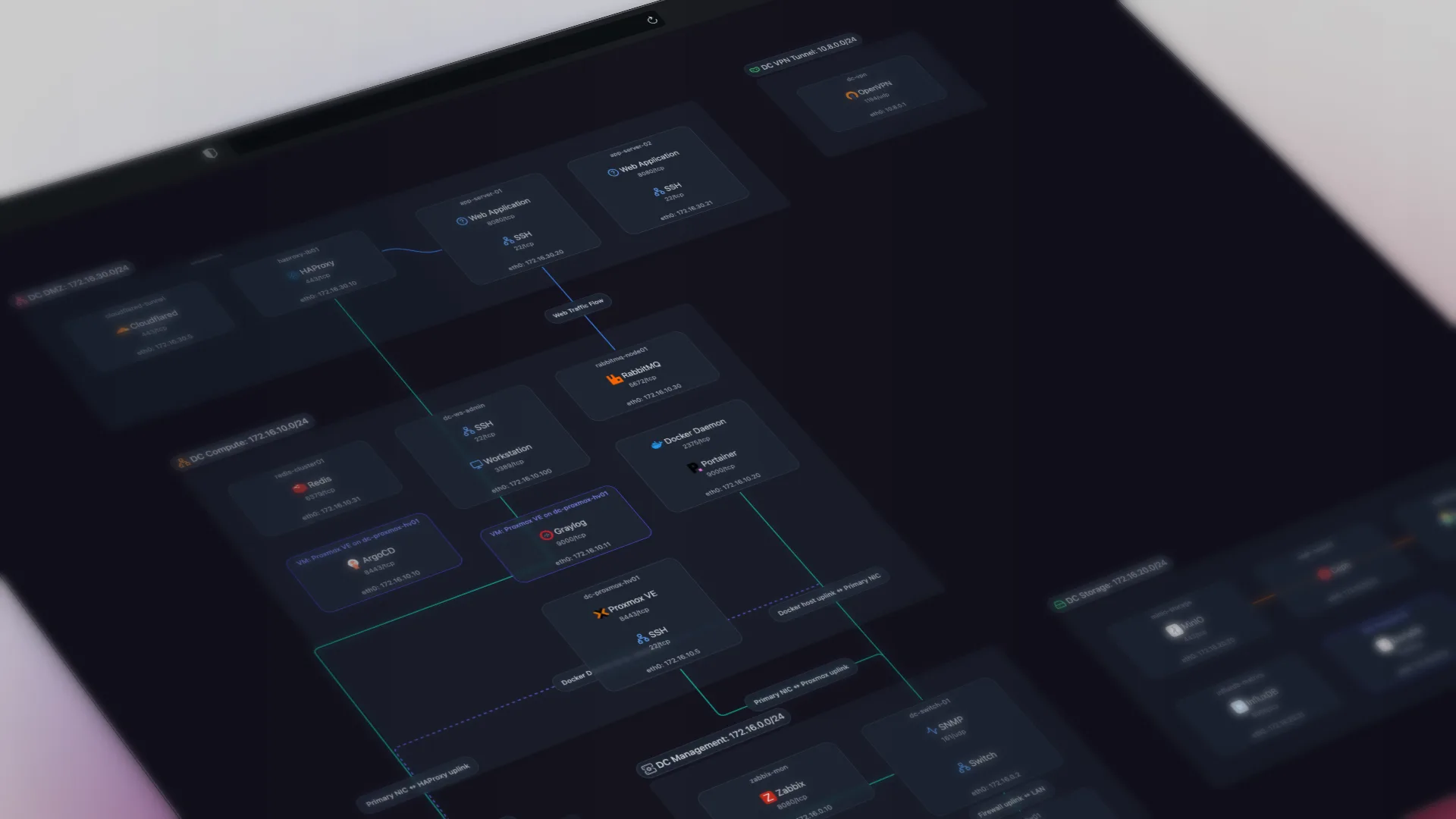
Scanopy is for IT teams and MSPs who want a dedicated network diagram automation tool which works alongside their existing monitoring platform. LibreNMS is for teams with Linux skills that want free, self-hosted monitoring with basic topology visualization. Discovery, the four topology views, pricing, and licensing are where the two differ, including LibreNMS's trade-offs.
Scanopy vs LibreNMS: head to head
| Scanopy | LibreNMS | |
|---|---|---|
| DiscoveryProtocols used to find devices and map connections | SNMP LLDP CDP ARP TCP/UDP | SNMP CDP LLDP [10] |
| ServicesNo No service awareness Basic Common port detection Yes Application-level fingerprinting | Yes240+ types | No |
| Network ViewsWhich topology views the tool produces from discovery. L2 Physical switch ports and links L3 Subnets, VLANs, routing Workload VM/container host nesting Application Service-dependency / app grouping Yes supported Tag ? unverified Greyed not supported | L2 map built from xDP (CDP/LLDP) and ARP; no L3 subnet map. [30] | |
| Live UpdatesWhether diagrams update automatically after the initial scan | Yes | No |
| Open SourceOSI OSI-approved open source license Source available Source code available, restricted license No Proprietary | OSI AGPL-3.0 | OSI GPL-3.0 |
| PricingStarting price or pricing model | Starts at $11.99 monthly, unlimited hosts | Free |
| Also IncludesCapabilities beyond network diagramming | Docker Visualization | Monitoring |
How they compare
LibreNMS and Scanopy CE are both free and self-hosted, so that's the matchup here: Scanopy's AGPL-3.0 Community edition, not the paid product. LibreNMS is GPL-licensed, self-hosted network monitoring: strong SNMP auto-discovery, alerting, and graphing, with topology visualization as a secondary, plugin-based feature. Scanopy is dedicated documentation: one daemon, four switchable views (L2, L3, workloads, applications), and per-host service fingerprinting, with no monitoring or alerting.
The practical difference is what the mapping costs you in effort. LibreNMS's topology comes from the Weathermap plugin, which the LibreNMS docs say "does not work on any supported versions of PHP" and recommend against, pointing users to Custom Maps where the layout is hand-placed rather than generated. Standing it up also means managing Linux, PHP 8.2+, and MariaDB. Scanopy's map is automatic and is the core product, not a plugin. If you want free, self-hosted monitoring and you're comfortable administering the stack, LibreNMS provides it and the maps come with it. If you want automatic network documentation that refreshes on a schedule without manual map layout, Scanopy CE does that, and the two run together if you want both.
LibreNMS is the most-deployed free self-hosted monitoring stack, and Scanopy does no monitoring at all. For documentation, Scanopy produces the automatic multi-view map that LibreNMS does not.
When to choose which
Choose Scanopy when: Choose Scanopy for automated docs over self-hosted monitoring: automatic L2, L3, workload, and application views, per-host service detection, flat pricing regardless of host count, and a free, self-hostable Community edition. It sits alongside your monitoring stack rather than replacing it.
Choose LibreNMS when: Teams with Linux server management skills that want free monitoring with some topology visualization. If you're already running LibreNMS for monitoring, the weathermap plugin adds basic mapping without another tool.
This is a focused, two-tool comparison.Weighing other options too? See the best LibreNMS alternatives. For all 13 tools side by side, see the full network documentation tools comparison.
Sources
Started as a homelabber, now deep in SNMP MIBs, Layer 3 topology, and service fingerprinting - building the network documentation tool I wished existed.